The BEST Futures Trading Setup from Beginning to Advanced Trading
Trading YouTube can be tough - you can get some good information but there’s so much flash.
It’s easy to believe that if you don’t have what every trading guru claims to have, you’re somehow behind or not a good trader. And that’s simply not the case.
Clicks do not equal reality.
And I think that can show up pretty easily with trading setups.
Like, if you don’t have sixteen 40-inch curved ultra thin monitors, a custom desk, and a studio backdrop, it can feel like you’re missing something.
You’re not.
None of those things are wrong or whatever, it’s just unrealistic and trophy trading desk setups are a waste of time, money, and space.
If you’re just starting out — and you’re doing the right things early on — focusing on learning the markets, building a repeatable process, and executing cleanly…
The First Stage: Beginner Setup
This was my very first trading setup.
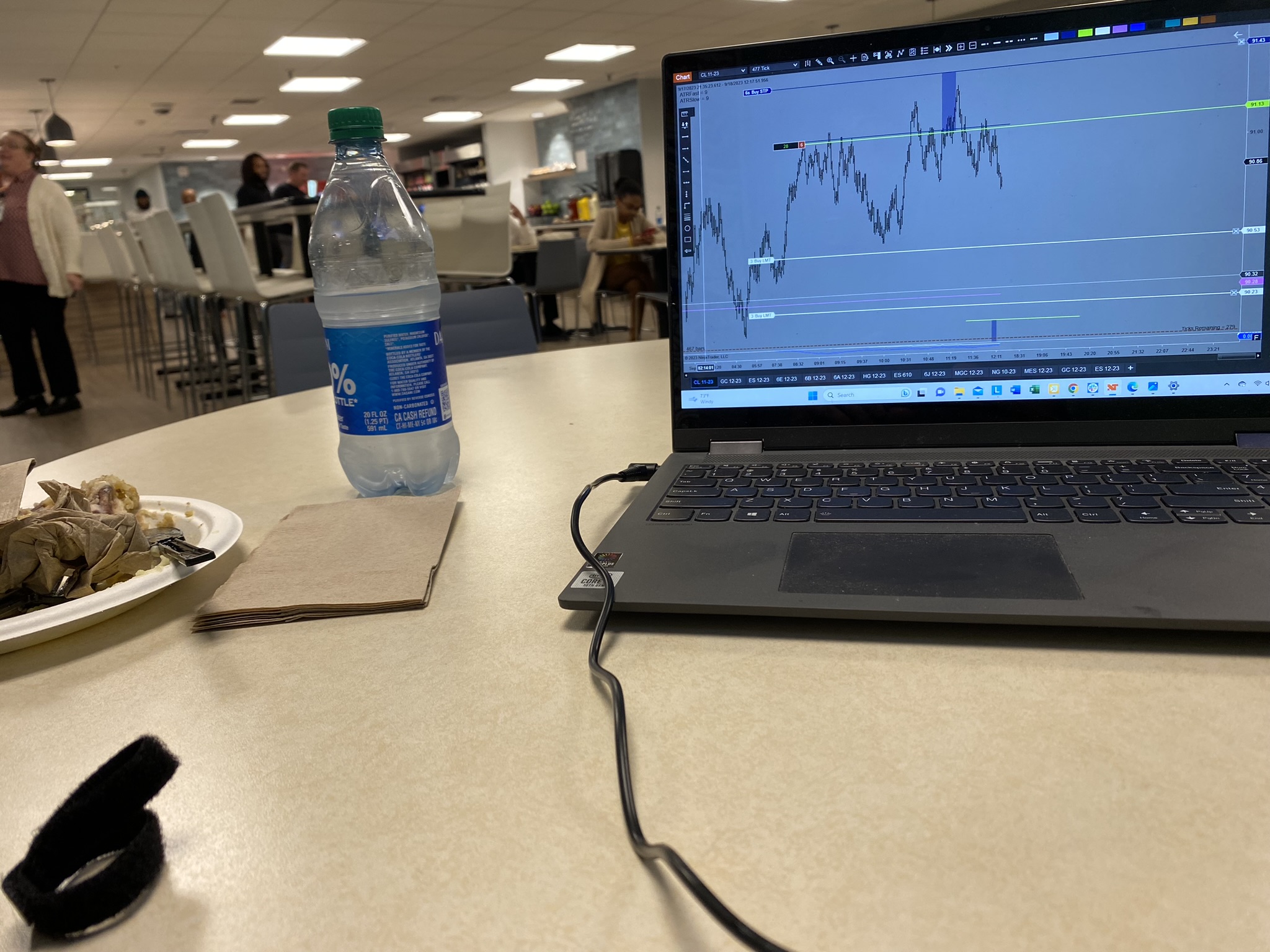
One.
Simple.
Laptop.
Look at this little guy.
At this point I didn’t care about a desk - I liked being mobile. (But I learned very quickly that one thing you should absolutely get is a wireless mouse. Trackpads are THE WORST for trading.)
One laptop is enough for what matters early on. Because if you start how I recommend starting your focus is to learn price action, develop your technical analysis skills, rep your trades on sim, and trade a single market.
The only thing I was analyzing at first was a tick chart of one single market.
So if you’re just getting started - or even thinking about becoming a futures trader - don’t look assume you need a ton of gear to begin.
You don’t. Honestly, all of this will just get in the way.
I’ve said it before and I’ll say it again - simplicity is your edge in the market.
And even when I did introduce larger time frame charts to my system, I hadn’t gotten to the point where I needed them displayed at all times. So, one screen was perfect to start.
Now, there are a couple important rules.
And two things I want you to make sure your computer has:
- At least 16 GB of RAM and a graphics card that supports two external monitors
- Let’s start with the RAM.
- RAM
- 16gb at minimum. The more the better. Higher RAM allows you to future proof your machine assuming you’ll eventually run multiple platforms like I do now.
- The more memory you have dedicated to your futures trading platform, the smoother it will run, and will ensure your data loads smoothly and quickly.
- Keeping personal tasks separate from this machine will help with that.
- So dedicate it to trading only. Use a different device for personal tasks… and YouTube… and liking and subscribing
So if you’re wondering which specs to spend up on those are the two - memory and graphics card. And that will always be the case.
Early on, one screen is perfect for learning the market, your system, and how to start executing cleanly.
But at some point - and this is a good sign - it starts to feel cramped.
You start prepping with more than one chart. Maybe trading a couple of different markets.
It’s the natural progression and it means your analysis and skills are maturing.
The Second Stage: Early Intermediate
This happened for me about 2-3 years into my trading journey.
So one screen for a couple of years and then… I felt like one bad mofo after adding one whole screen to my setup.
I wanted to put a blue button up shirt on with a white collar and cuffs, maybe some suspenders, and an assistant I could yell at to “Get me the president!”
I was basically Gordon Gecko.
I only had one external monitor however.
That’s why I mentioned the graphics card earlier. Mine couldn’t support more than one, and I wish it could have handled more.
The real driving force was that my process now included tracking a tick chart, 60 minute chart and a daily chart of multiple futures markets.
I liked that I could still be mobile since the base machine was a laptop. But instead of going from 1 to 2 screens, I would have liked to go to 3. It would have helped my trading even more.
Remember this phrase: Ease of execution..
In everything. The number of monitors, keyboard, mouse, chair, desk, hot keys, chart placement, lighting. It should all support your ease of execution.
My gear (or lack thereof) was making trading harder, which is when you know it’s time to change it.
Trading is already difficult enough.
And this is also when my trading checklist started to grow.
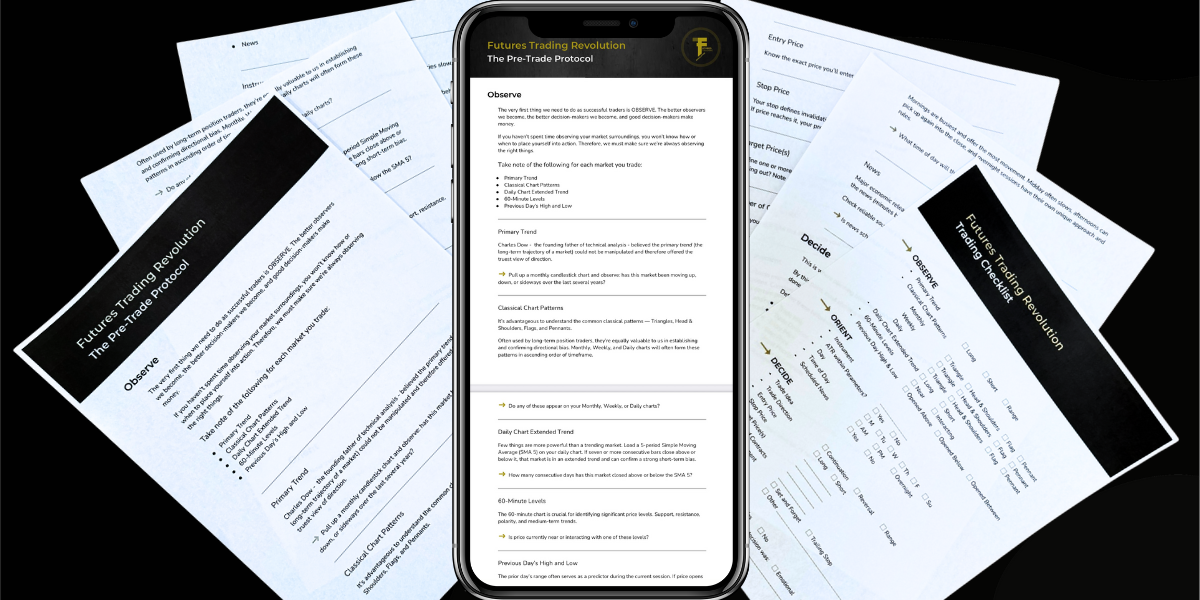
As the number of markets, timeframes, and context I tracked increased, the need for more screen space became necessary. And you can see what that eventually grew into with this checklist. This is available to you for free by the way, just click on the link in the description.
If you’re tracking even half the things on that checklist consistently, trying to do it all on one screen eventually becomes tedious, and at some point even a liability.
Multiple screens can also be a luxury, which is totally fine, but what I’m talking about is when it becomes an absolute necessity.
One easy way to gauge how many screens is best for where you’re at right now is by asking yourself this question: Do I know exactly what I would display on each monitor right now if I had them?
If you can see the plan in your head and it lifts a weight off of your trading it’s time.
And that’s what ultimately led me to the setup you see behind me today.
The Third Stage: Advanced
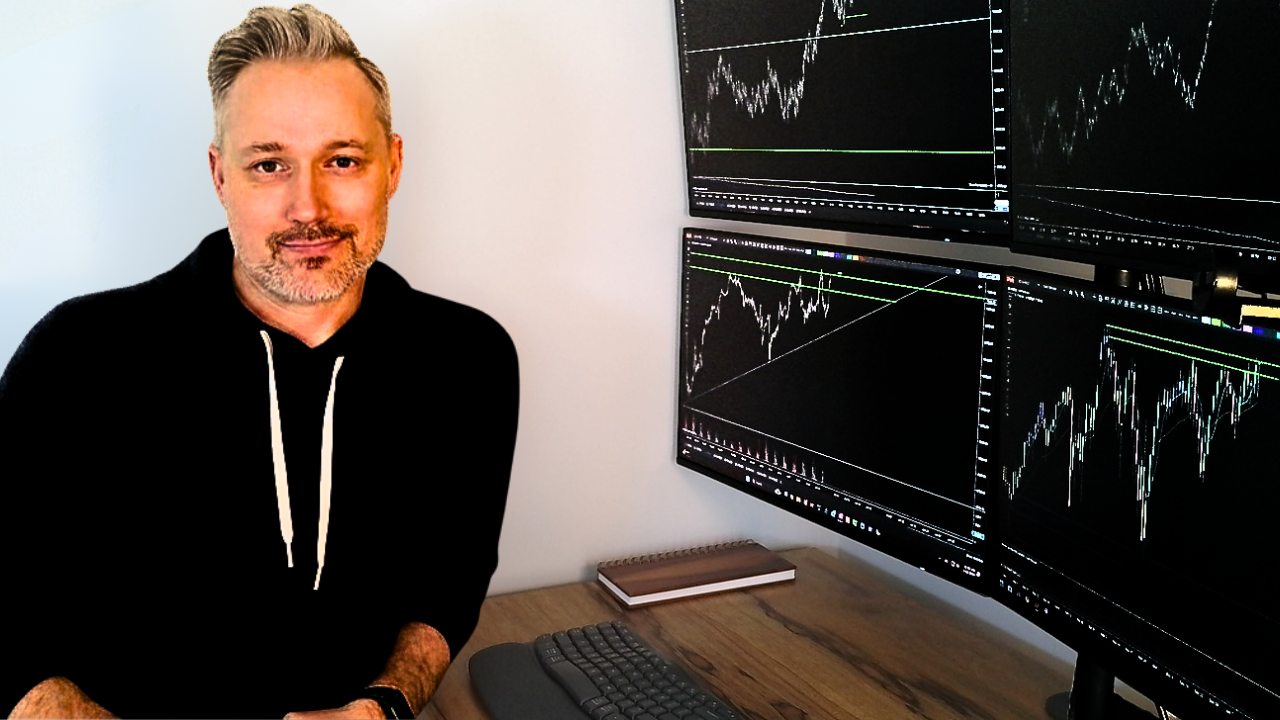
Let’s go over my setup:
4 monitors - one each for my tick charts, 60 minute charts, daily charts, and the VIX visible at all times.
It was time to upgrade machines so I went with a desktop - it’s a gaming machine and those builds tend to work well for what we do.
The other thing I realized is that I operate better standing up so I invested in a motorized standing desk and a wireless keyboard. My wife just got me this one for Christmas. Like my mouse it’s a logitech.
And my brother-in-law made me this sweet desktop. He’s a woodworker.
Ok, let’s review:
So if you’re just starting and worry about not having a multi-screen setup - don’t. Just follow the parameters I laid out. Spend up on RAM and the graphics card to future proof your setup.
If your skills are growing and you start feeling cramped for space, it’s time to upgrade. Affordability of course comes into play so you might need to get creative but if you follow the needs of your system you’ll be just fine.
Thanks for reading!
Want an honest read on your own trading? Grade yourself free with the FTR Trait Scorecard
FREE CHECKLIST: Stop second-guessing every trade and start trading with confidence.
Get the exact checklist pro futures traders use to eliminate risk, trade smarter, and spot profitable setups before they happen.
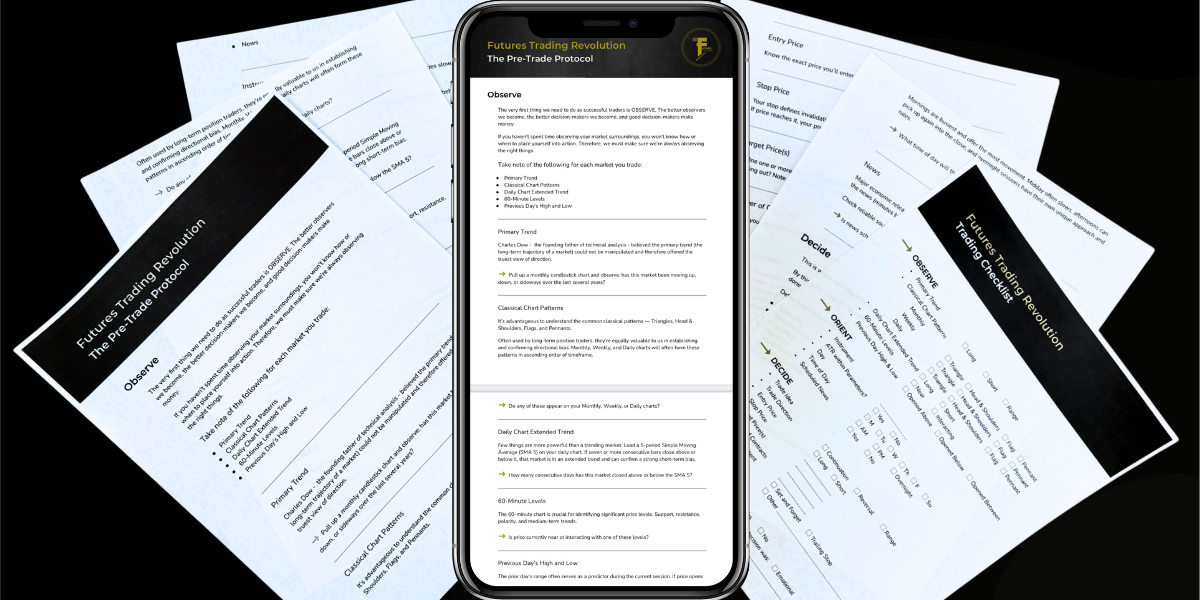
Free Futures Trading Checklist
Get the exact checklist pro futures traders use to eliminate risk, trade smarter, and spot profitable setups before they happen.