NinjaTrader Review | Is It The Best Futures Trading Platform in 2026?
The Cost:
There’s an old saying in trading: it takes money to make money.
That’s true but only if you’re spending money where it actually matters.
And this is where NinjaTrader immediately stands out.
It costs zero dollars to open an account.
No account opening fee.
No platform fee just to get started.
And real-time data which usually costs money on most platforms is also free if you fund your NinjaTrader account.
With a funded account, you get Level 1 futures data at no cost.
That means real-time chart data for the most commonly traded futures markets is free.
Up until recently (Summer 2025), that data cost about twelve dollars per month. NinjaTrader removed that fee and credit where it’s due, that’s a meaningful improvement.
So far, so good.
But there is one unavoidable cost in futures trading, no matter where you trade.
Commissions.
This is where NinjaTrader is extremely competitive.
Commission rates can be as low as nine cents per side for micro contracts and fifty-nine cents per side for full contracts.
Compare that to many well-known futures brokers where you’ll often pay closer to twenty-five cents for micros and eighty-five cents or more for full contracts.
Now, and this part matters, those lowest NinjaTrader rates require purchasing a lifetime license, which currently costs $1499.
Some competing brokers can offer lower per-trade rates if you trade very high volume, so depending on your style and frequency, cheaper options may exist.
But for most traders - especially over the long run - NinjaTrader typically ends up being one of the least expensive platforms AND brokers you can use.
Because you can trade in simulation indefinitely with zero cost, and only start paying commissions once you’re ready to trade real money, I give NinjaTrader a 9.3 out of 10 on cost.
Simulation Trading:
Which brings us to something that is absolutely critical and wildly overlooked.
Simulation trading.
Simulation, or paper trading, allows you to trade live markets in real time without risking a single dollar.
And real traders, both professional and retail, should be using simulation consistently.
Even after years of profitable trading, I still use simulation to test new trade ideas before adding them to my live playbook.
For the new traders I coach, simulation isn’t optional - it’s mandatory.
Skipping it is how accounts get blown up.
This is an area where NinjaTrader absolutely nails it.
On many platforms, simulation and live trading require separate logins, which makes switching back and forth a hassle.
With NinjaTrader, you can toggle between simulation and live accounts instantly.
And most importantly - it feels exactly the same as trading live.
Same charts.
Same order flow.
Same execution process.
The only difference is the sidebar background color where you execute trades. Which is a helpful delineator so you know which one you’re on.
That consistency is huge, especially for newer traders I coach, because when they go live, nothing changes visually, only the risk does.
On top of all that, NinjaTrader offers Market Replay, which allows you to replay entire trading days using historical data.
This is perfect for practicing, refining entries, and testing ideas outside of live market hours.
Simulation trading on NinjaTrader is a perfect 10 out of 10. No notes.
Drawing Tools:
This is where platforms really start to separate and where trader loyalty usually comes into play.
Once chart marking becomes second nature, switching platforms feels like switching from Apple to Android.
Me? My text bubbles are blue because I’m not a sociopath.
And even though I learned to trade on NinjaTrader, I’ve spent years using platforms like TradeStation, ThinkorSwim, and MotiveWave.
And no platform comes close to NinjaTrader’s chart-marking tools.
They’re flexible, fast, and intuitive.
You get a massive built-in toolset directly inside the chart window, plus two powerful shortcut options.
First: hotkeys.
NinjaTrader makes them extremely easy to set up and customize.
Second: the Drawing Tool Tile indicator.
It comes with NinjaTrader and lets you place your most-used tools directly on the chart.
I use this every single day.
And if you’re a power user, especially with a programmable mouse, you can map your most common tools to mouse buttons and barely lift a finger.
Ease of use, execution speed, and customization earn NinjaTrader an 11 out of 10 here.
Chart Loading:
Once a chart is loaded, I don’t think there’s a better platform available.
But getting there?
That’s where NinjaTrader has a learning curve.
Chart loading, workspaces, and templates are not immediately intuitive for new users which is a fair frustration for new users.
But... this is one of the tradeoffs you make for a powerful platform.
The good news is there’s no cost to learning it.
You can take the extra time in simulation without risking a dollar.
Once you understand how workspaces and templates function, NinjaTrader becomes incredibly powerful.
You can make charts look, feel, and behave exactly how you want.
So I split this into two ratings:
User Learning Experience: 8 out of 10 for the steep learning curve
Functionality: 10 out of 10 and others don’t come close
Web Platform and Mobile App Experience:
I’ve never placed a trade on either - for a reason.
Serious futures trading happens on a desktop platform.
The mobile app is useful for monitoring positions or closing a trade if you absolutely have to, but it’s not designed for active trade management.
If your priority is web-based or mobile trading, NinjaTrader probably isn’t for you..
Trading shouldn’t be gamified. It’s a skill, and skills require proper tools.
Web and mobile experience: 6 out of 10 and that’s perfectly fine for who this platform is built for.
Finally…
Customer Support:
Customer support is important, especially during live market conditions.
I’ve had trade-related emergencies, and NinjaTrader’s support has always been quick and responsive during market hours.
They immediately ask if you have a trade in progress, and they act accordingly.
Every interaction I’ve had has been professional and to be honest, pleasant.
I have seen reports of slower response times outside U.S. market hours, which could matter for international traders.
But based on my experience, NinjaTrader earns a 10 out of 10 for customer support.
If your experience has been different, leave a comment. I’d definitely like to hear it.
THE ONE PROBLEM:
Now for my one real issue with NinjaTrader.
VIX data.
You can’t access VIX data without paying for the CBOE data package and even then, I’ve never been able to get it to populate reliably in real time.
This is important.
The S&P and VIX move in inverse correlation.
If you trade ES, you need a VIX chart.
Because of this, I run TradeStation alongside NinjaTrader just to monitor VIX. Using multiple platforms for one related task isn’t ideal.
This isn’t a dealbreaker but it does matter.
FINAL VERDICT:
After considering cost, simulation, charting, user experience, customer support - and the lack of native VIX data...
I give NinjaTrader a 9.7 out of 10 for futures trading.
It’s not perfect.
You might find cheaper commissions depending on your volume, and the VIX limitation is real.
But if you’re serious about learning futures trading, or staying profitable long-term, there’s no other platform I’d recommend above NinjaTrader in 2026.
Ready to start trading on the best futures platform available?
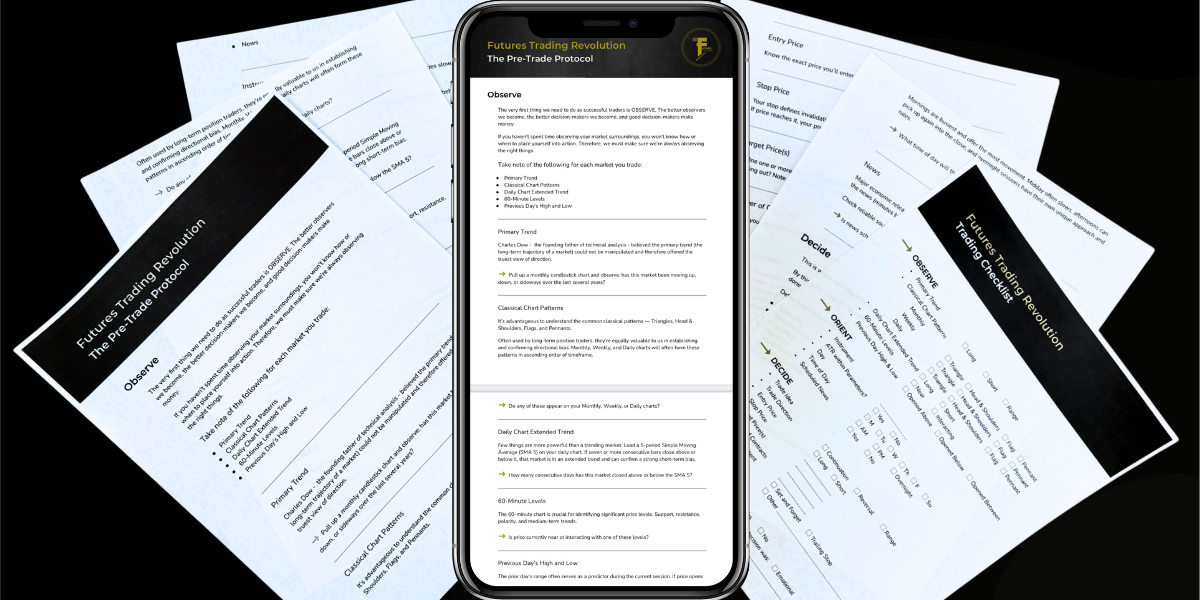
Click below to get my FREE Futures Trading Checklist. Your trading will improve immediately and you’ll understand the power of entering trades with complete confidence.
FREE CHECKLIST: Stop second-guessing every trade and start trading with confidence.
Get the exact checklist pro futures traders use to eliminate risk, trade smarter, and spot profitable setups before they happen.
Free Futures Trading Checklist
Get the exact checklist pro futures traders use to eliminate risk, trade smarter, and spot profitable setups before they happen.